Lights. Camera. EDITS
Dates to be announced
Why this course works for elders?
Your Course Roadmap
Explore our step-by-step process to help you master the art of video editing!
Session 1 In Session 1 of our Instagram Edits App Masterclass, we’ll start with an introduction to Instagram’s brand-new Edits app and guide you through installing it and setting up your profile. You’ll then explore the interface, including the timeline, tools, and settings, before diving into basic video editing techniques like trimming, cutting, and adjusting speed. We’ll also cover how to add music, filters, text, and stickers to create engaging reels, and finally, learn how to save and export your creations directly to Instagram.
Session 2 In Session 2 of the Instagram Edits App Masterclass, we’ll dive into powerful creative tools and strategies to level up your Reels. Learn how to use Remix features and trendy transitions to catch attention, explore templates and effects to stay relevant, and master voiceovers, overlays, and multi-clip editing for professional-looking videos. We’ll also cover best practices for creating impactful Reels—right from crafting strong hooks to nailing timing and sound—plus decoding in-app analytics to track views, likes, and shares. To wrap up, you’ll discover content planning hacks and proven ways to grow your presence using EDITS.
Bonuses
Assignments
Practical Instagram reel editing tasks after each class to help you apply your learning and confidently create, enhance, and publish engaging videos using the built-in EDITS tools.
Lifetime access to Alumni Community
- Share ideas, stay updated with new Instagram EDITS features
- Get lifetime access to all session recordings
- Stay updated through monthly alumni meets with new features and tips
WhatsApp and Live Zoom Support
- Get your doubts personally cleared by Trainer Mahima through voice notes and quick replies for better understanding.
- Also, join 15 minutes early on Zoom before each session for extra guidance and personalised support.
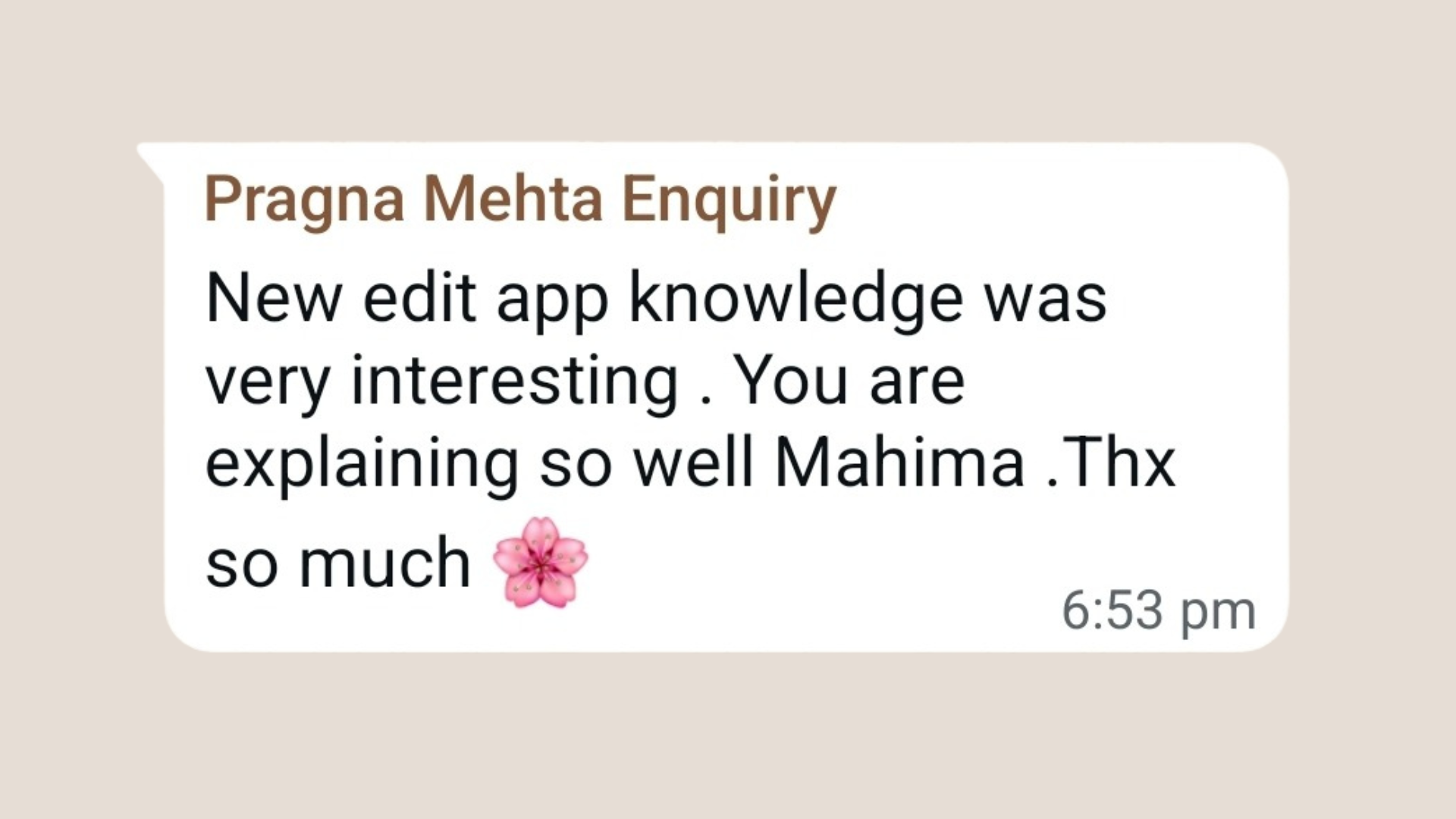
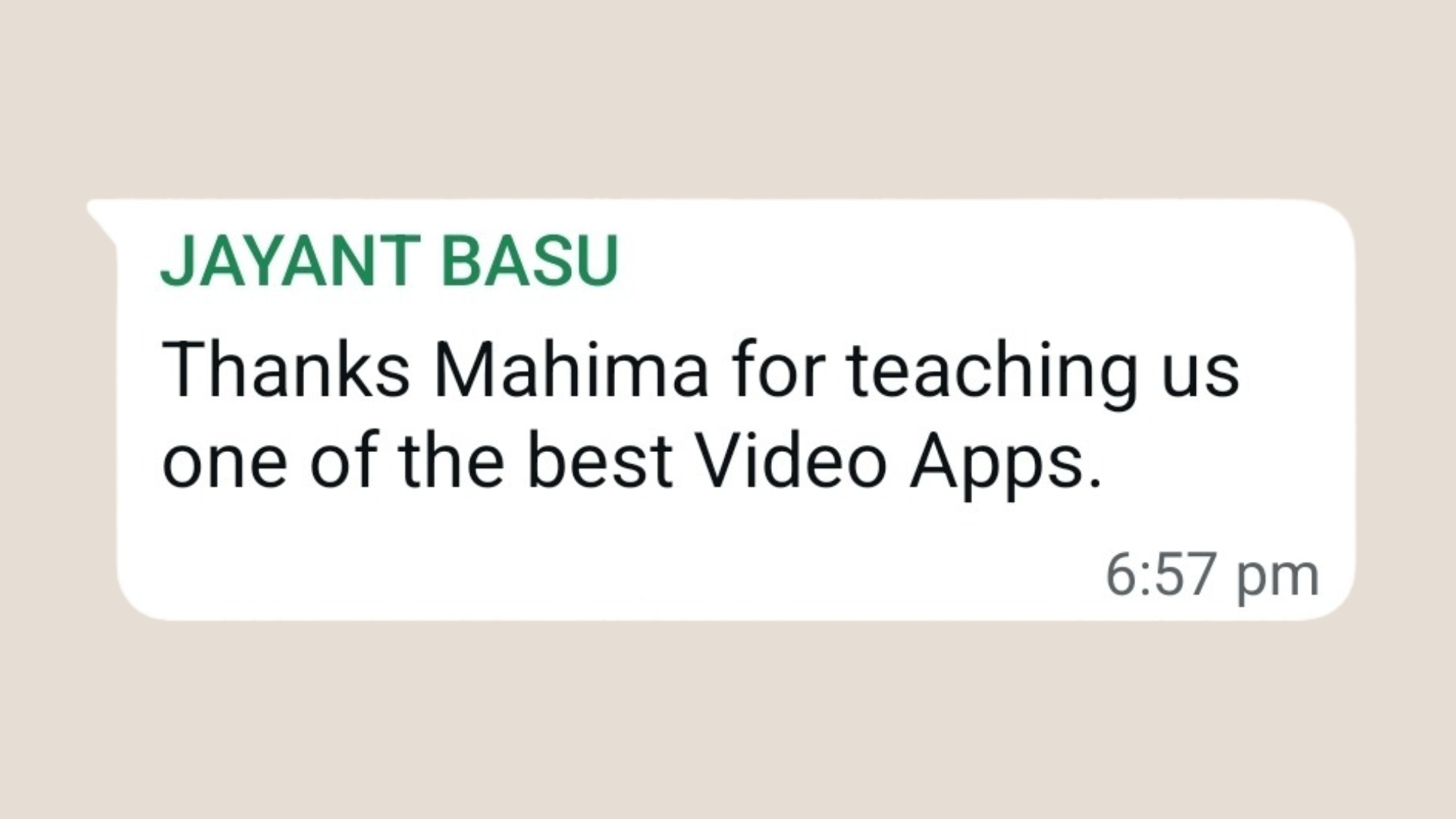
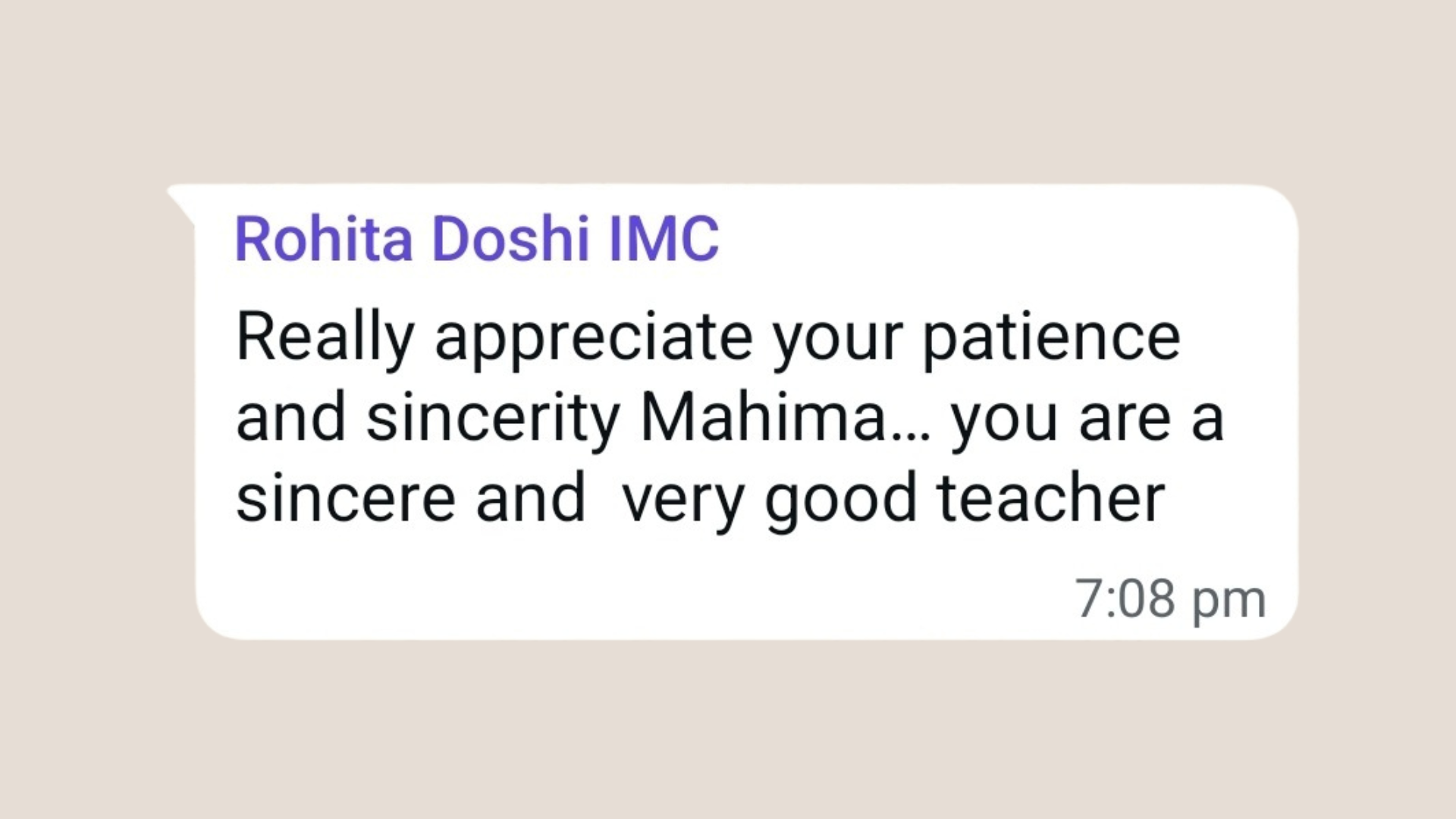
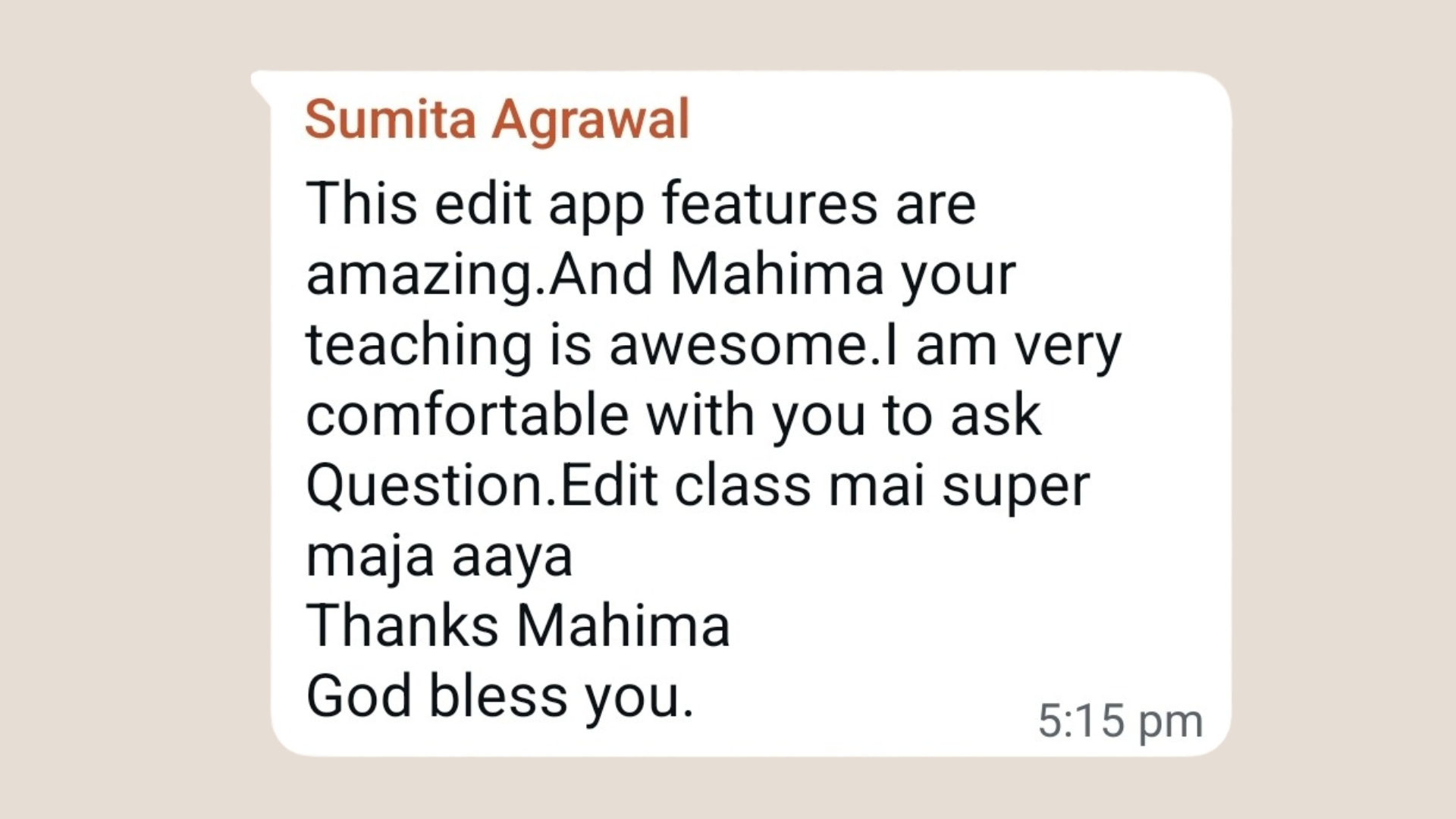
Student Feedback
Hear what our Lights. Camera. EDITS Masterclass students say about the course
Frequently Asked Questions
Is EDITS a separate app from Instagram?
Yes. EDITS is a separate app launched by Instagram, designed to simplify and enhance video editing. You can create in EDITS and then share directly to your Instagram account or download the video on your phone.
Is it possible to learn EDITS on a computer / laptop?
No, EDITS is an app based software and currently unavailable for the computer / laptop version.
Do I need an Instagram account to use the EDITS app?
Yes, you need to log in using your Instagram account to use the EDITS app and post directly from it.
What if I miss a live session?
Don’t worry! You’ll get access to all session recordings for lifetime. However, we encourage you to attend the LIVE sessions as features change every month and the recordings might become irrelevant
What are the tech requirements?
Use a laptop / iPad / Tab to join the LIVE Zoom sessions and keep your phone handy for hands-on practice during the sessions.
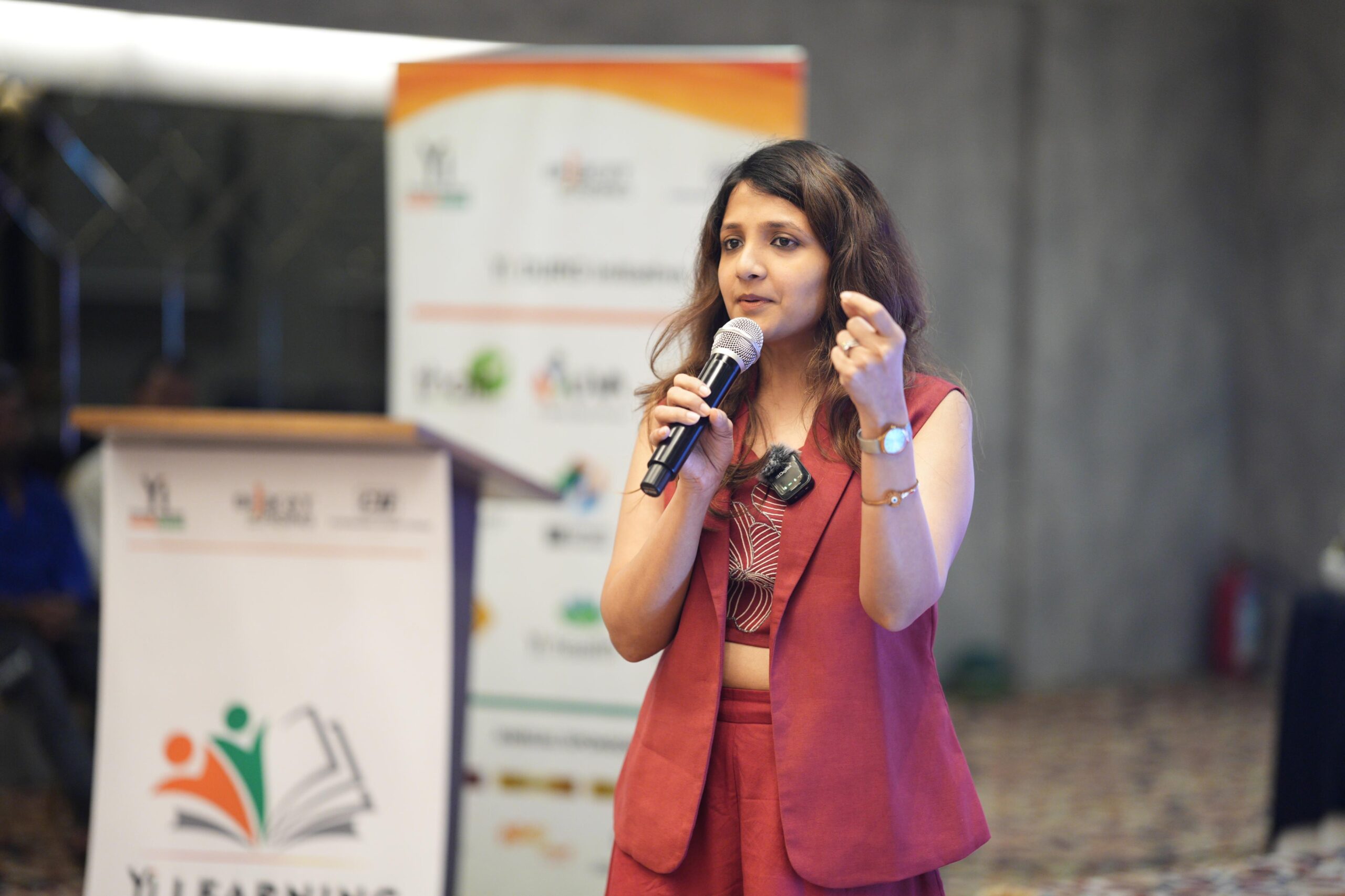
About Your Coach
Mahima Bhalotia
Ready to Master Instagram's EDITS App with Ease?
Secure your spot in our exclusive Lights, Camera, EDITS course today!
Limited seats available!
Contact us at mahima@thesocialpaathshala.com or call +91-9930161538