Gmail Genius
Dates to be announced
Why this course works for elders who are not familiar with Gmail?
Your Course Roadmap
Session 1 In Session 1, we’ll start with Viewing Your Email, where you’ll learn to navigate your inbox like a pro, change display settings, apply themes, and organize messages with labels and categories. Then, in Composing & Sending Emails, we’ll cover everything from writing professional emails with attachments, links, and formatting to adding your personalized signature. We’ll wrap up with smart tools like scheduling emails in advance, sending confidential messages, and using the starring system to keep your most important emails easy to find.
Session 2 In Session 2, we’ll focus on organising your inbox like a pro — from creating filters to sort, delete, and manage bulk emails effortlessly, to handling unwanted messages through smart tools like subscriptions, snoozing, and archiving. You’ll also learn how to integrate Gmail with Google Calendar, adding tasks or events directly from your inbox and sharing them with the right contacts in just a few clicks. We’ll wrap up with a deep dive into security and privacy settings, ensuring your Gmail stays safe, secure, and clutter-free.
Bonuses
Assignments
Practical Gmail tasks after each class to help you apply your learning and confidently manage emails, organise your inbox, and use Gmail like a pro.
Lifetime access to Alumni Community
- Share ideas, stay updated with new Gmail features
- Get lifetime access to all session recordings
- Stay updated through monthly alumni meets with new features and tips
WhatsApp and Live Zoom Support
- Get your doubts personally cleared by Trainer Mahima through voice notes and quick replies for better understanding.
- You can also join 15 minutes early on Zoom before each session for extra guidance and personalized support.
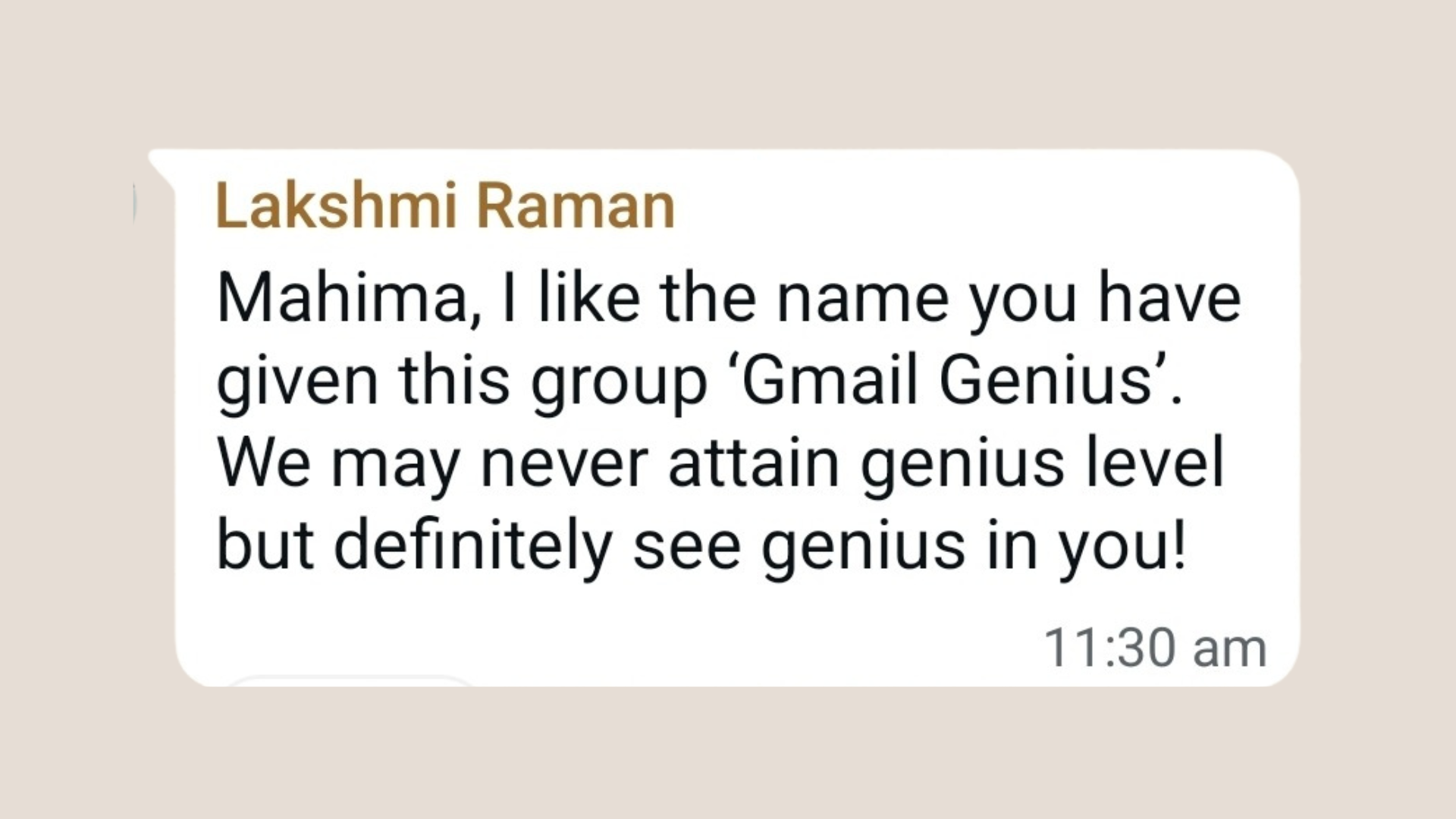
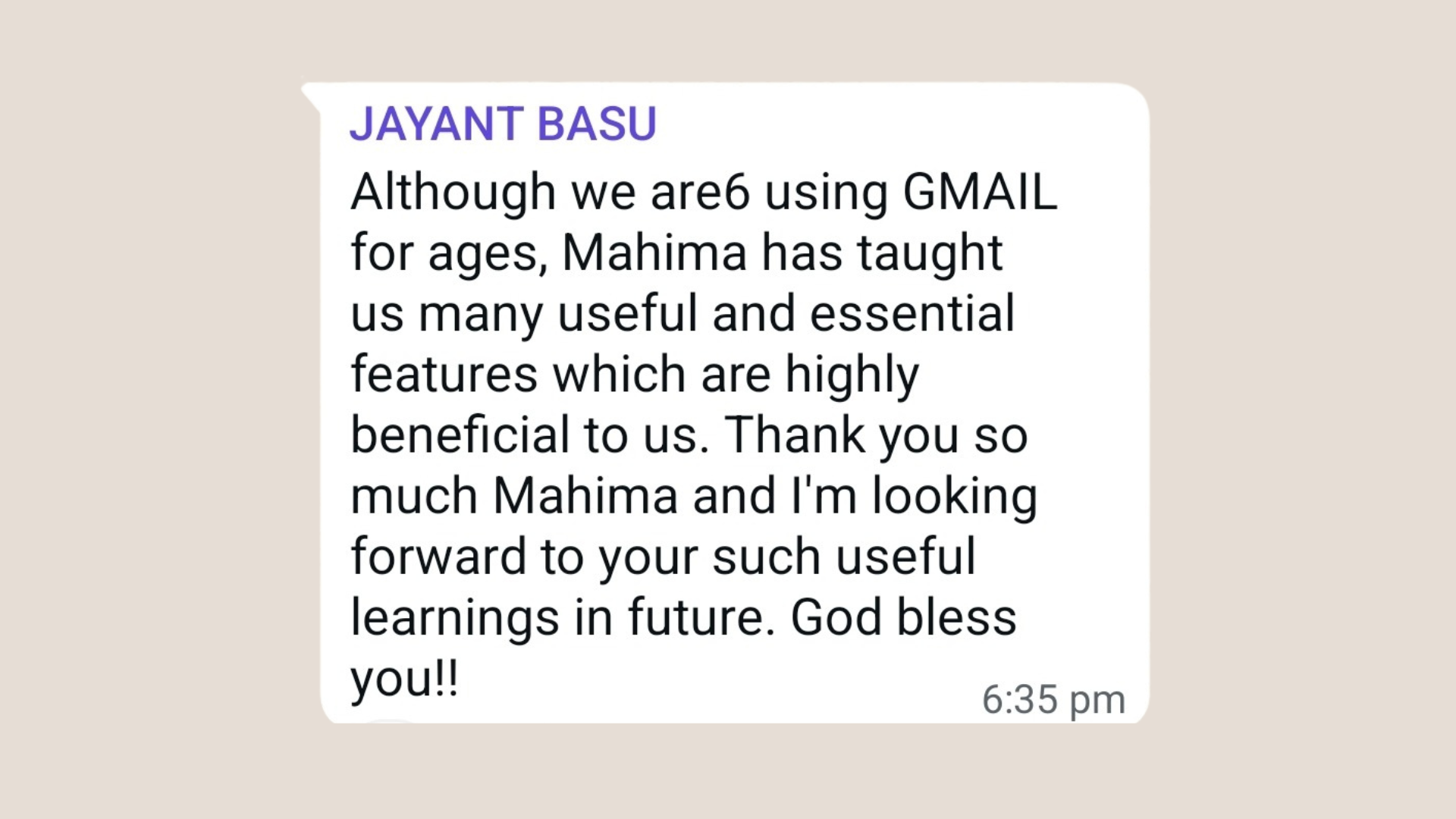
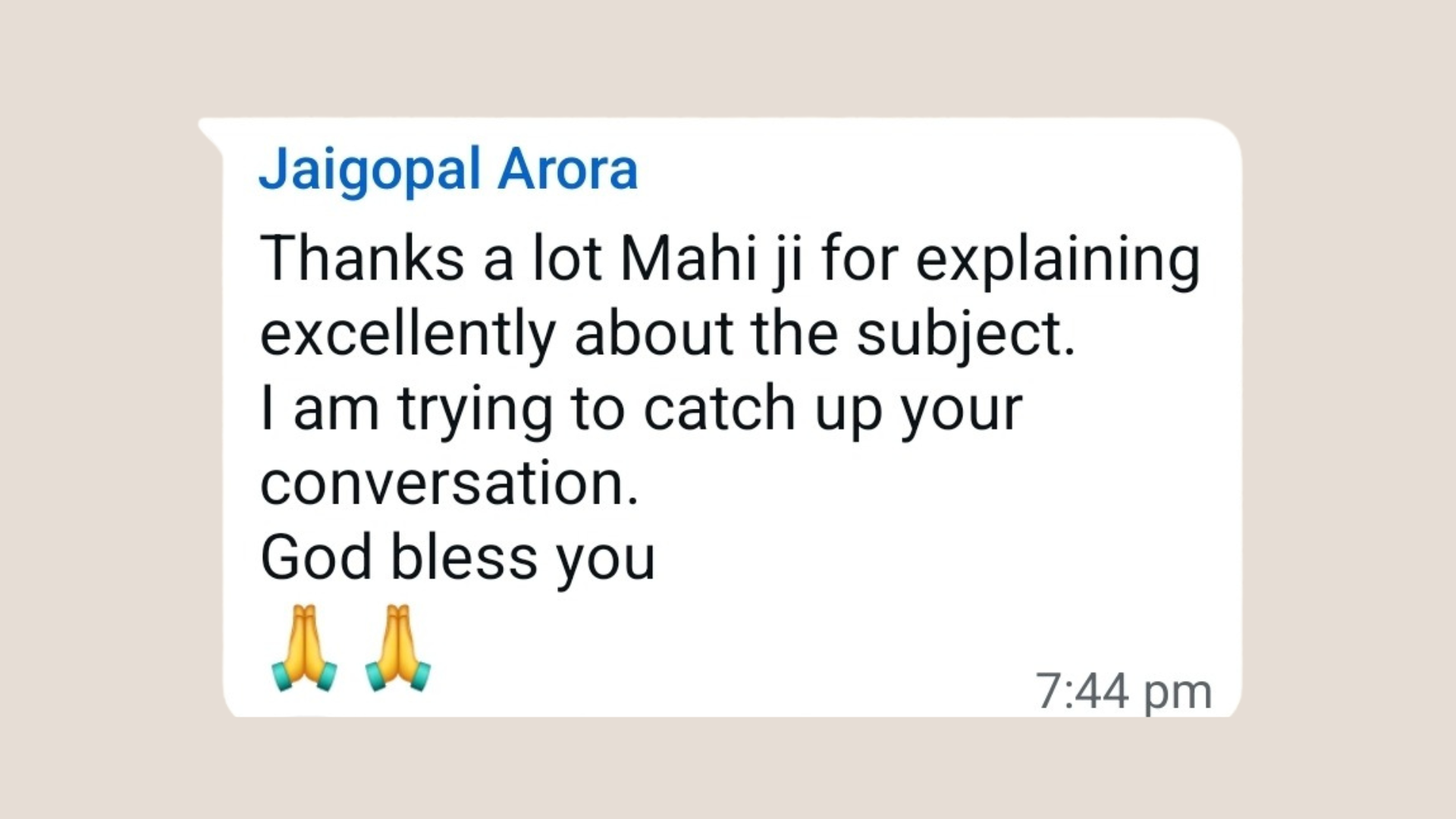
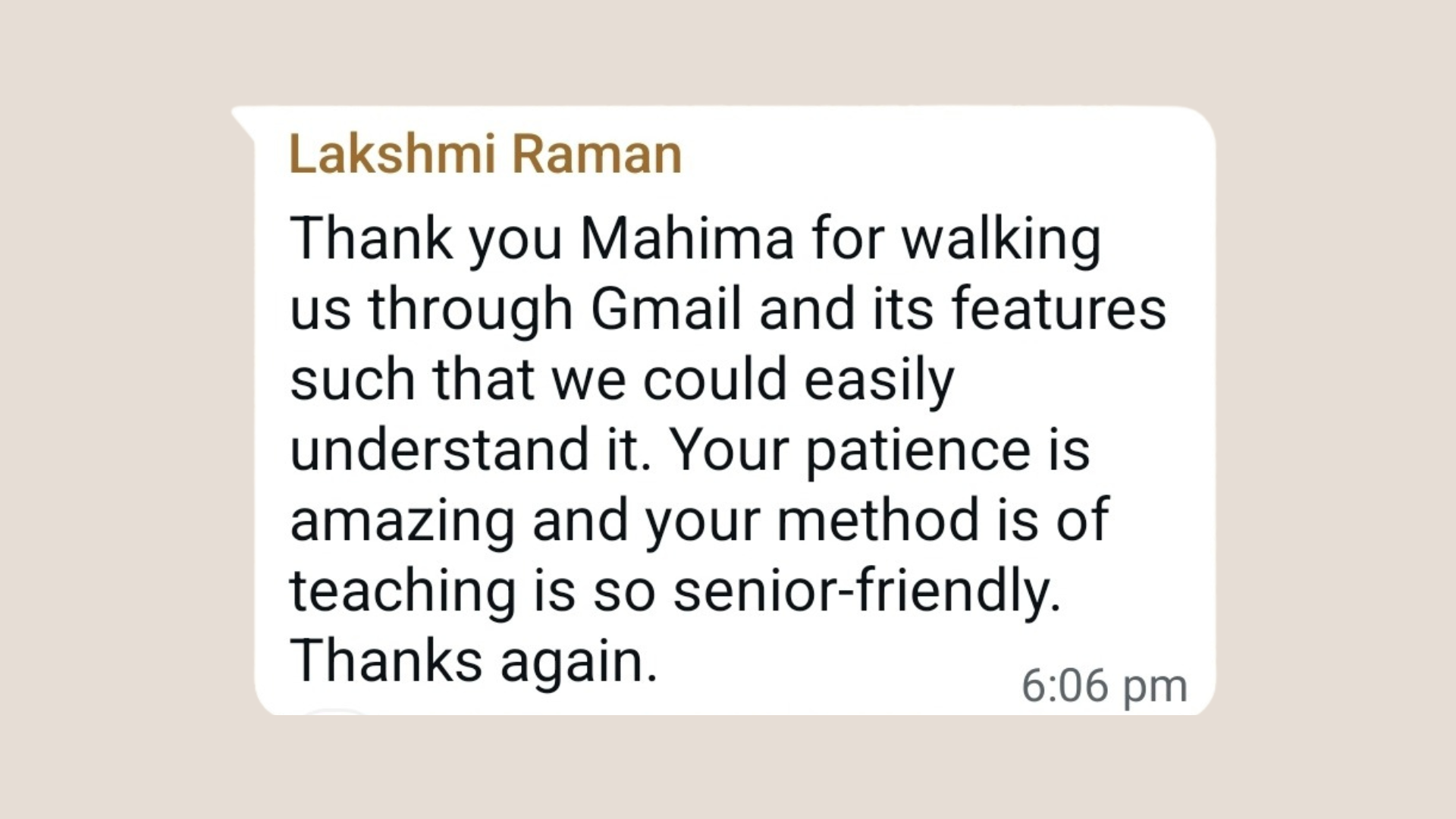
Student Feedback
Hear what our Gmail Genius students say about the course
Frequently Asked Questions
Do I need to have any prior experience with Gmail?
No! The course is beginner-friendly and designed specially for elders or anyone with no prior email experience.
How do I block or unsubscribe from unwanted emails?
The course will teach you how to block senders and unsubscribe from newsletters with just one click to keep your inbox clean.
What if I miss a live session?
Don’t worry! You’ll get access to all session recordings for lifetime. However, we encourage you to attend the LIVE sessions as features change every month and the recordings might become irrelevant
What are the tech requirements?
Use a laptop / iPad / Tab to join the LIVE Zoom sessions and keep your phone handy for hands-on practice during the sessions.
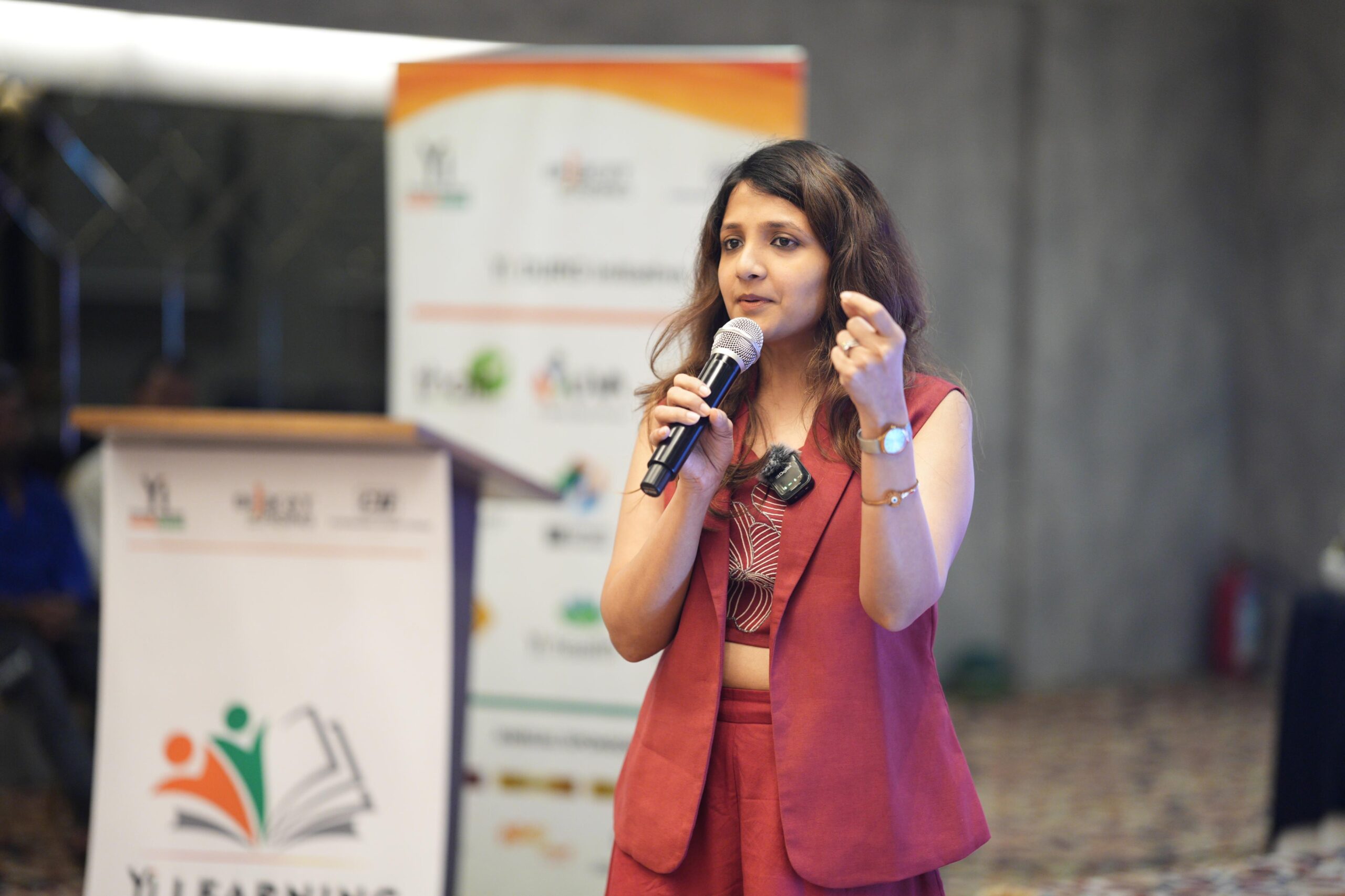
About Your Coach
Mahima Bhalotia
Ready to Master Gmail with confidence?
Secure your spot in our exclusive GMAIL GENIUS course today!
Limited seats available.
Questions? Contact us at