Google Drive

Google Drive Storage Solutions

Google Drive Storage Solutions

Drive your storage with GOOGLE DRIVE in a special masterclass with Mahima Bhalotia, Founder at The Social Paathshala

Dates to be announced

August 2025
Sun
Mon
Tue
Wed
Thu
Fri
Sat

Why this course works for elders who are not familiar with Google Drive?

This Google Drive course is specially designed for older adults with no prior tech experience. It breaks down each feature step-by-step, using simple language and practical demos so they can confidently manage their files and storage on Google Drive.

Your Course Roadmap

1

Session 1
In Session 1, we’ll start with the basics — setting up your Google Drive account and getting comfortable navigating the Drive interface. You’ll then learn how to manage and upload files effortlessly, followed by smart techniques for organising your files, searching within folders, and keeping your Drive clutter-free. Finally, we’ll explore how to collaborate on files with different people, making teamwork smoother and more efficient than ever.

2

Session 2
In Session 2, we’ll focus on taking your Google Drive skills to the next level — starting with understanding permissions and privacy settings to keep your files secure and shared only with the right people. You’ll learn how to seamlessly use Google Drive on both your laptop and phone, ensuring access anytime, anywhere. We’ll also cover offline file access and its advantages, so you can work without interruptions, even without the internet. Plus, we’ll explore ways to optimise your storage space and share smart shortcuts and time-saving tips to make file management quicker and easier.

Bonuses

Assignments

Practical Google Drive tasks after each class to help you apply your learning and confidently manage, organize, and share your files.

Lifetime access to Alumni Community

  • Share ideas, stay updated with new Google Drive features
  • Get lifetime access to all session recordings
  • Stay updated through monthly alumni meets with new features and tips

WhatsApp and Live Zoom Support

  • Get your doubts personally cleared by Trainer Mahima through voice notes and quick replies for better understanding.
  • Also, join 15 minutes early on Zoom before each session for extra guidance and personalised support.

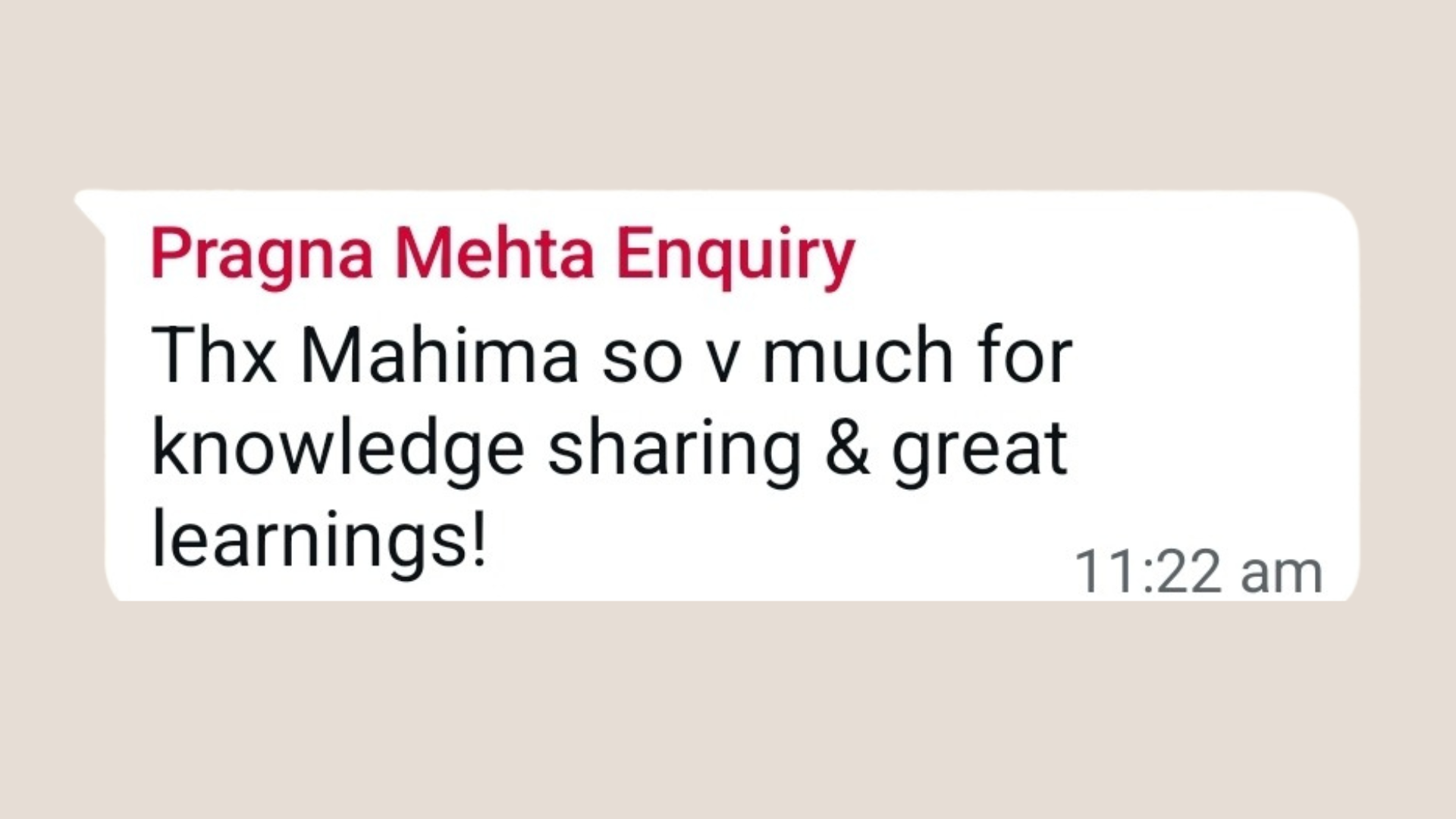
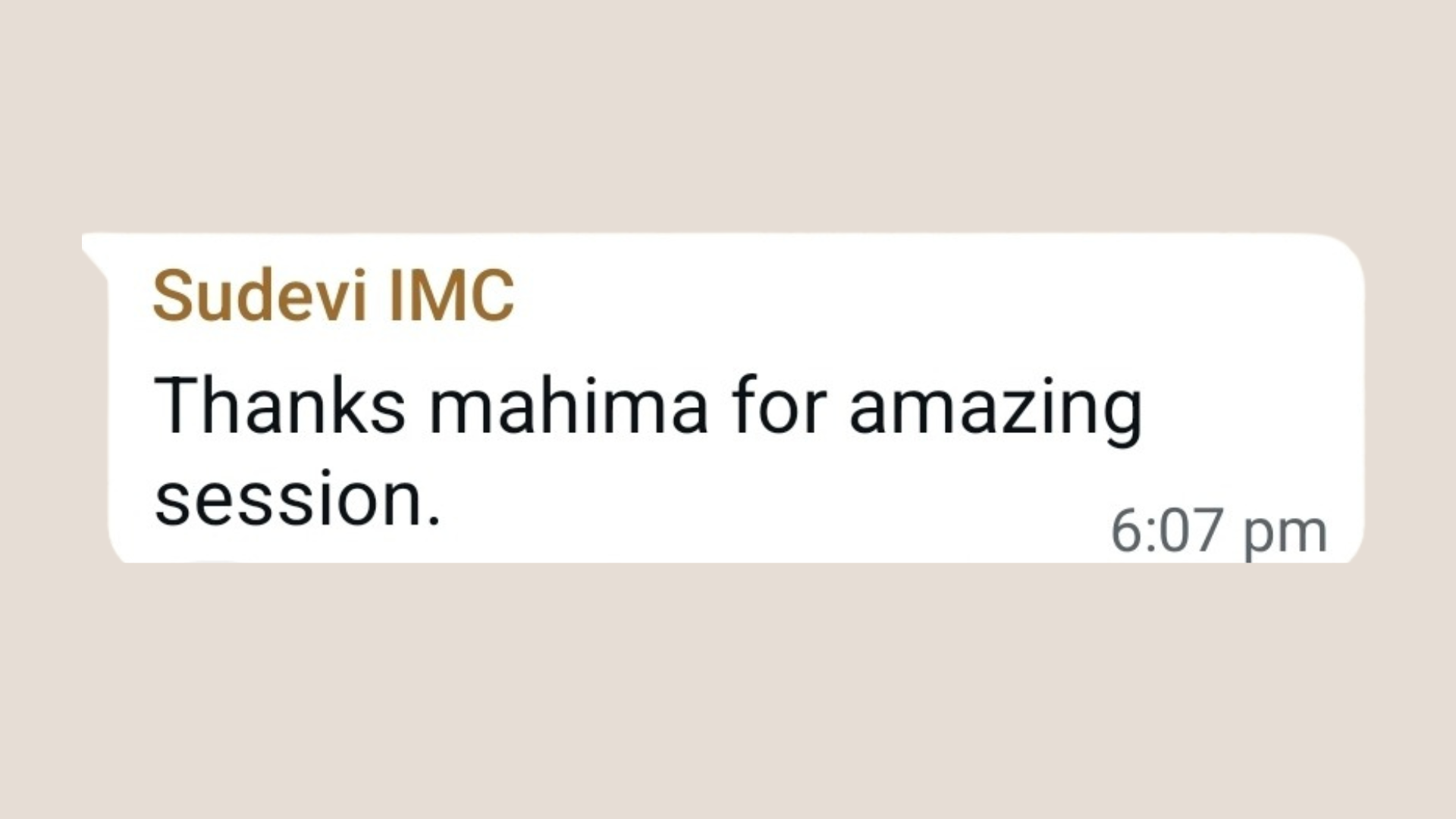
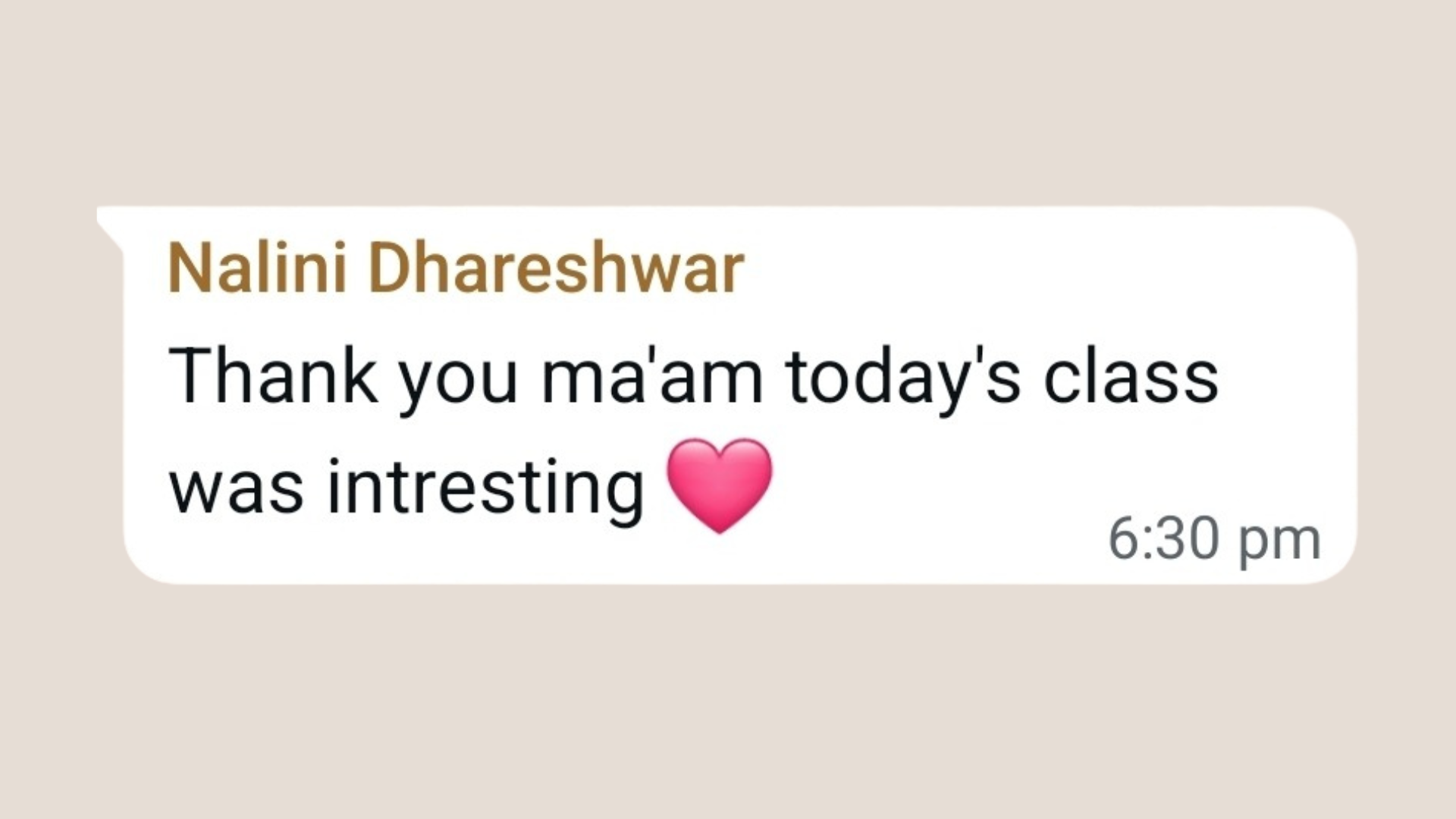
Student Feedback

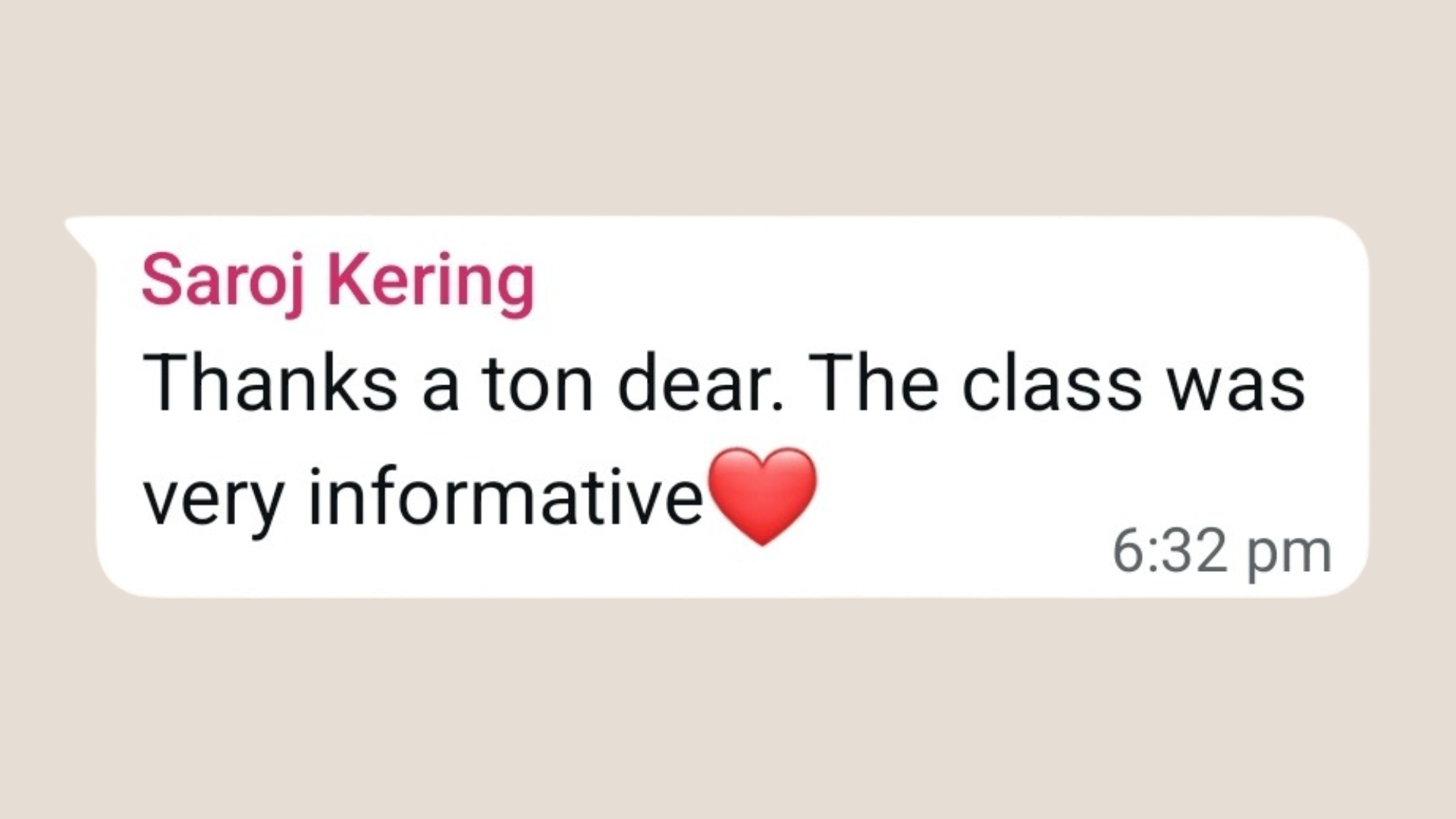
Hear what our Google Drive Masterclass students say about the course
Client testimonial
Client testimonial
Client testimonial
Client testimonial

Frequently Asked Questions

Is Google Drive free to use?

Yes! You get 15 GB of free storage with a Google account. You can upgrade if you need more space.

What types of files can I store in Google Drive?

You can store documents, photos, videos, PDFs, presentations, and more in Google Drive.

What if I miss a live session?

Don’t worry! You’ll get access to all session recordings for lifetime. However, we encourage you to attend the LIVE sessions as features change every month and the recordings might become irrelevant

What are the tech requirements?

Use a laptop / iPad / Tab to join the LIVE Zoom sessions and keep your phone handy for hands-on practice during the sessions.

About Your Coach

Mahima Bhalotia

Mahima Bhalotia

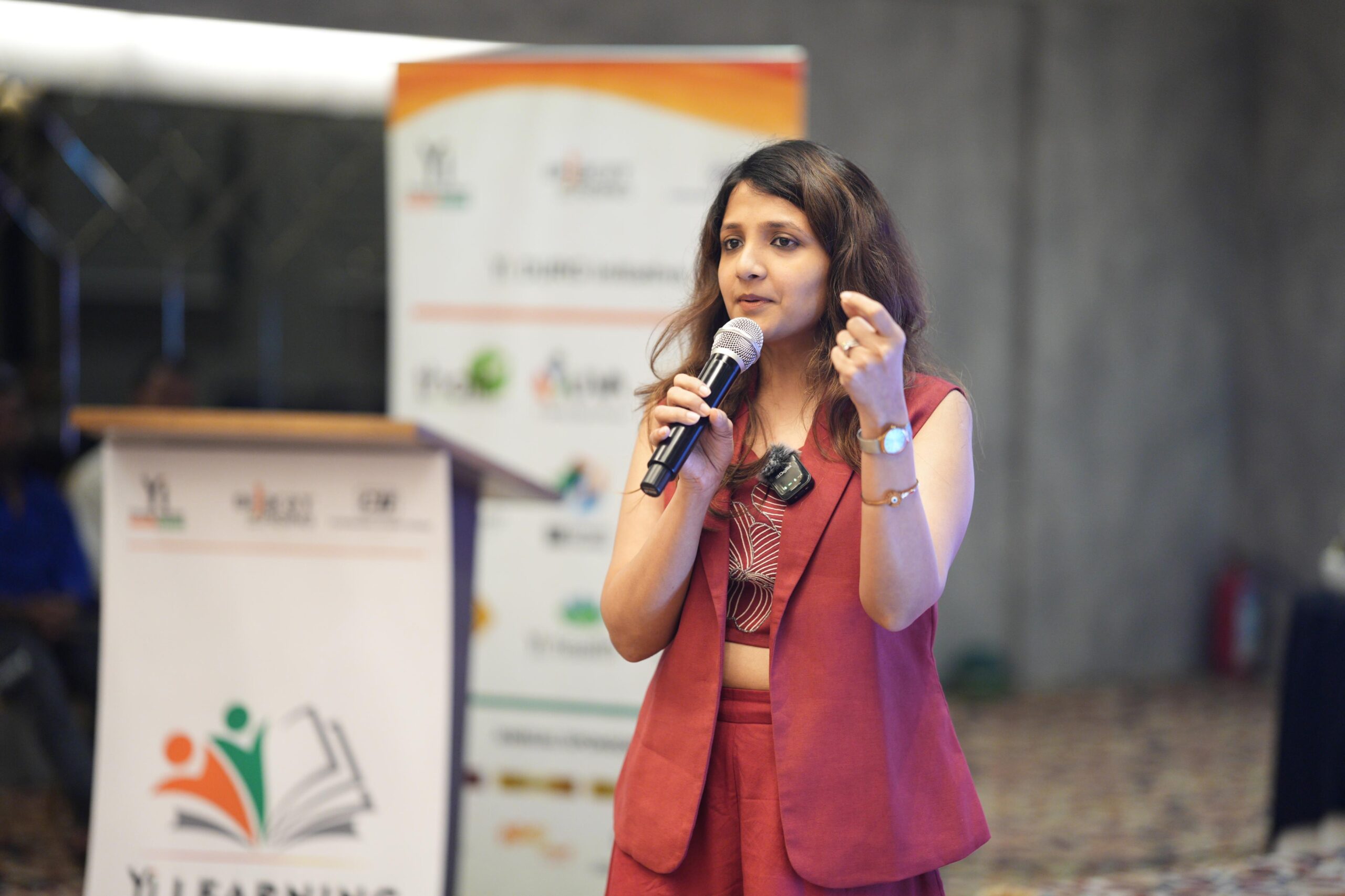
Mahima Bhalotia is the Founder & Trainer at The Social Paathshala and was recently featured on ‘HerCircle Official’, Nita Mukesh Ambani’s inclusive community of women entrepreneurs. A Masters in Luxury Goods & Services Management from the prestigious MIP Politecnico Di Milano – Milan, Italy, she holds extensive years of experience in handling Marketing & Communications for Marriott International. Her patience, compassion and dedication is reflected in all her learning sessions. Mahima has successfully trained more than 5000+ elders to become tech-savvy and was recently a part of Zee TV’s new show ‘Naya Bharat – Ek Sunehra Amritkaal’ spearheaded by popular actor Sharman Joshi. Learn with Mahima once, and you’ll know why she is best suited as tech coach for elders!