Become a Canva Pro powered with Ai
Dates, Timings & Fees
Why this course works for you?
Your Course Roadmap
Explore our step-by-step process to bring your vision to life
Session 1 & 2 In the first 2 sessions, participants will learn what Canva and Canva Pro are, along with the key differences between free and paid features. We’ll explore essential tools such as elements, backgrounds, uploads, text, photos, videos and templates, and understand how to work with spacing, alignment, layers, grouping and locking. The session also covers adding animations, using frames and grids, duplicating or adding new pages, and downloading or sharing designs in various formats. We’ll dive into Canva Pro features like Magic Resize, Background Remover, Translate, and working with premium templates, stock photos and elements to create polished, professional designs with ease.
Session 3 & 4 These sessions introduces how AI in Canva accelerates and enhances the design process. Participants will explore Magic Design for auto-creating templates, posts, carousels and presentations, along with Magic Media for AI image generation, background replacement and object removal. We’ll cover Magic Write for captions, scripts and social media content, and Magic Switch to instantly convert posters into reels or slides. The session also includes Magic Resize for transforming and translating designs, Magic Animate for AI-powered motion suggestions, and practical tips on using effective prompts and keywords to get the best results from Canva’s AI tools.
Bonuses
Assignments
Practical Canva assignments after each class to help you apply your learning and create real, usable designs with confidence.
Lifetime access to Alumni Community
- Share ideas, stay updated with new Canva features
- Get 3 months’ access to all session recordings
- Stay updated through monthly alumni meets with new features and tips
WhatsApp and Live Zoom Support
- Get your doubts personally cleared by Trainer Mahima through voice notes and quick replies for better understanding.
- You can also join 15 minutes early on Zoom before each session for extra guidance and personalized support.
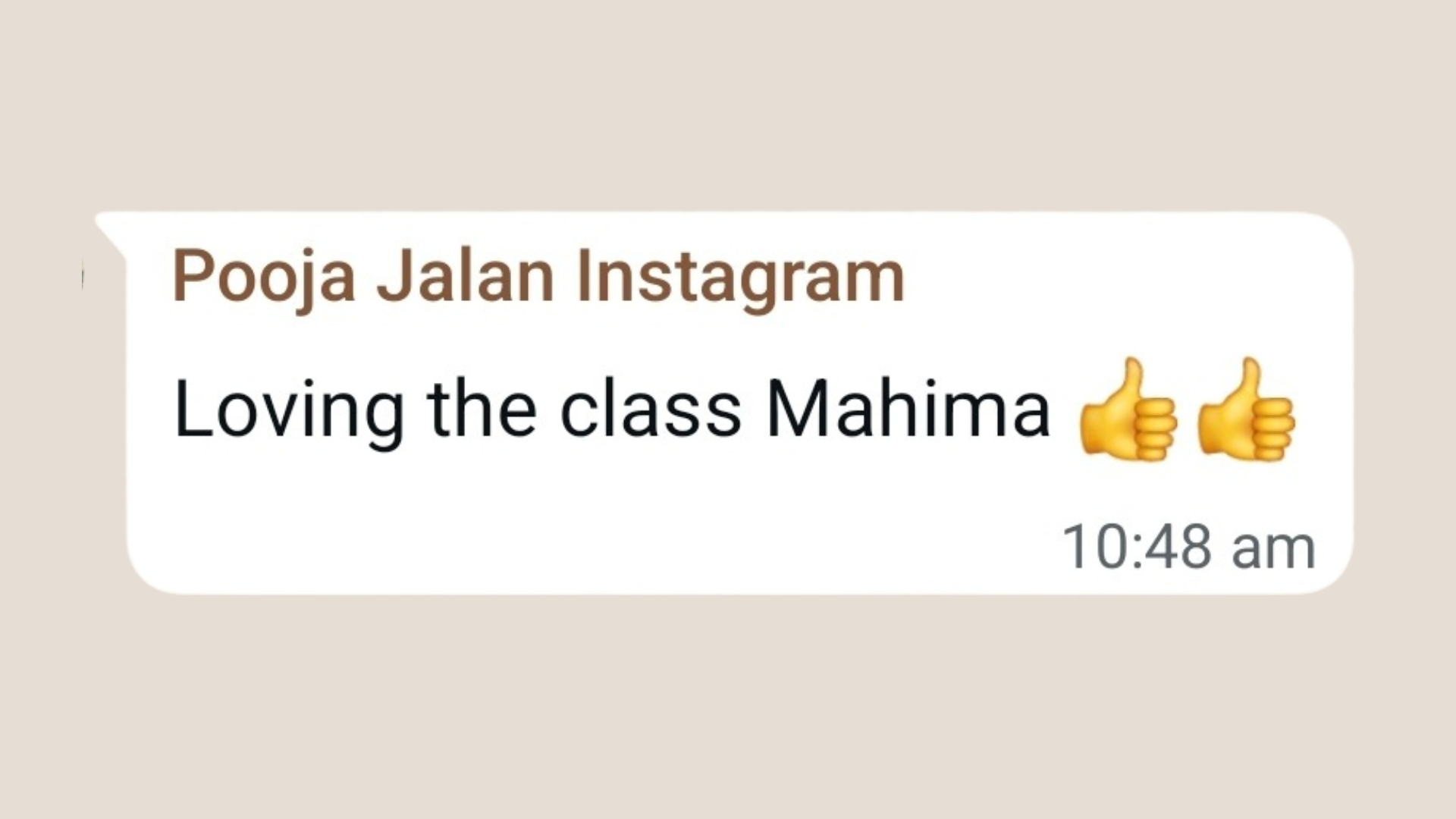
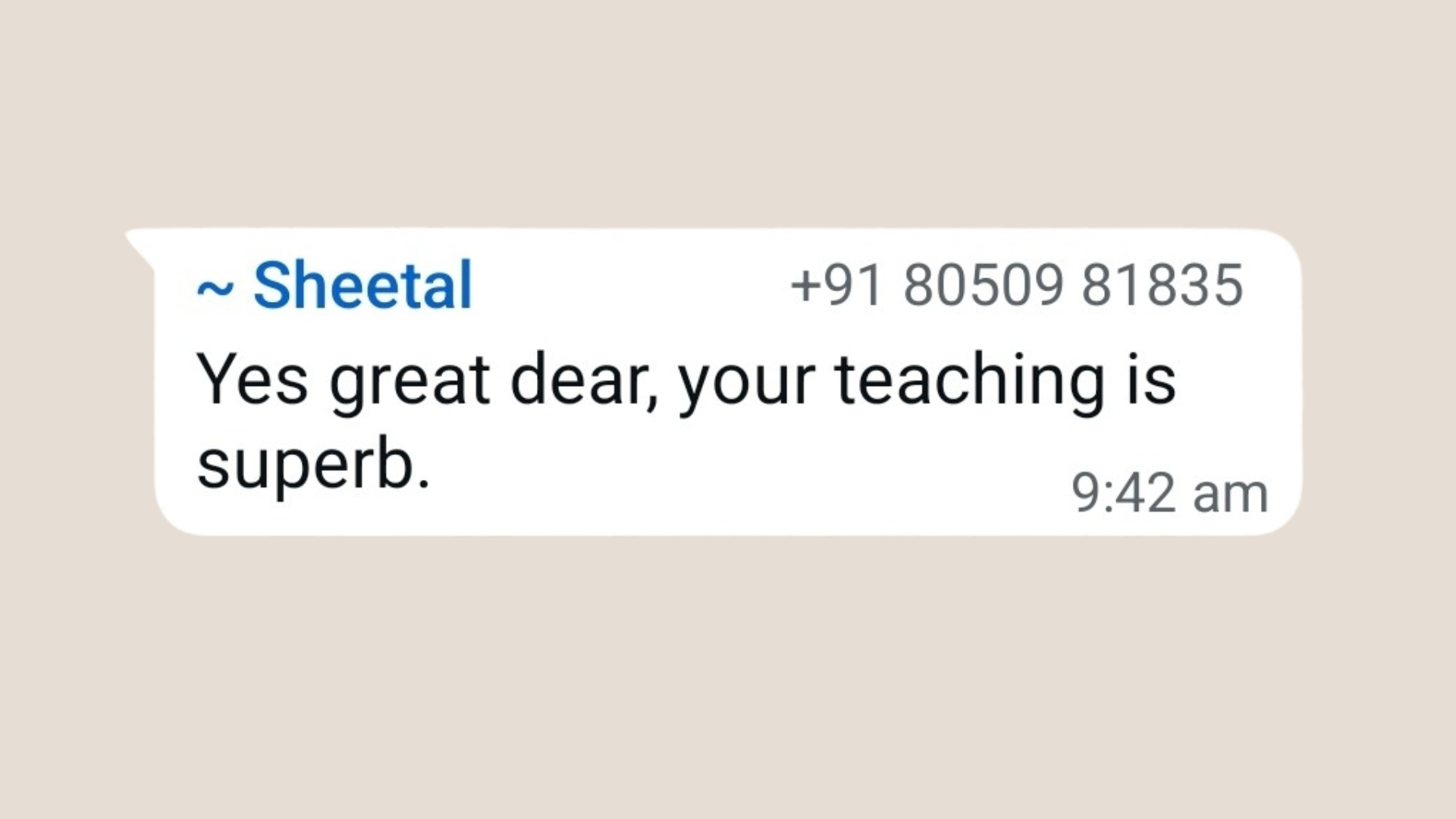
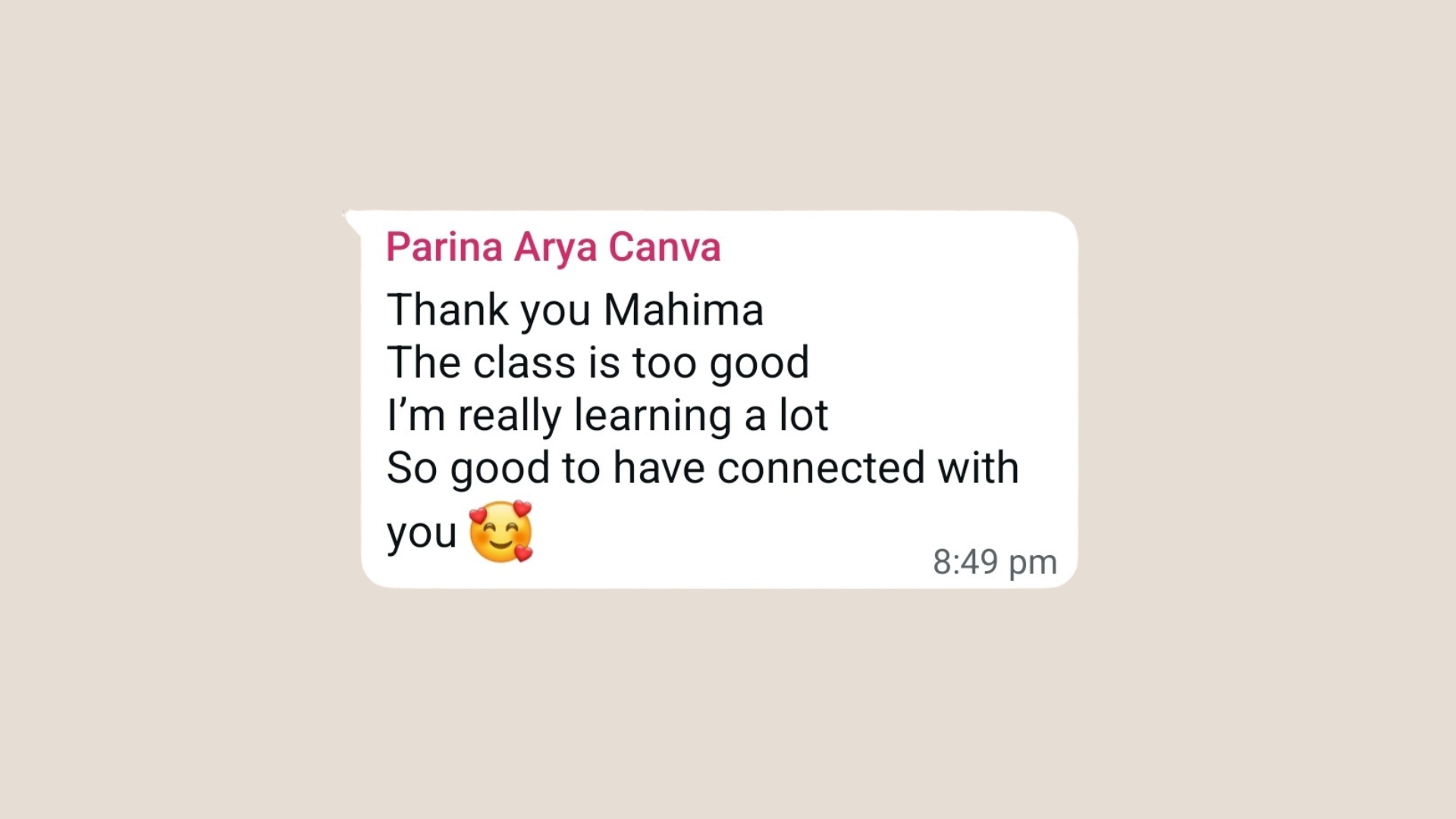
Student Feedback
Hear what our students say about the course
Frequently Asked Questions
Do I need the paid Canva plan?
No! We’ll teach you how to get professional quality results using Canva’s free plan, so you can design confidently without spending a rupee. We’ll also show the Canva Pro features (like Brand Kit, Magic Resize, Background Remover, etc.) and show how they can help you design better.
This way, you can decide later if upgrading is worth it, only after mastering the free tools.
What if I miss a live session?
Don’t worry! You’ll get access to all session recordings for 3 months. However, we encourage you to attend the LIVE sessions as features change every month and the recordings might become irrelevant
What are the tech requirements?
Use a laptop / iPad / Tab to join the LIVE Zoom sessions and keep your phone handy for hands-on practice during the sessions.
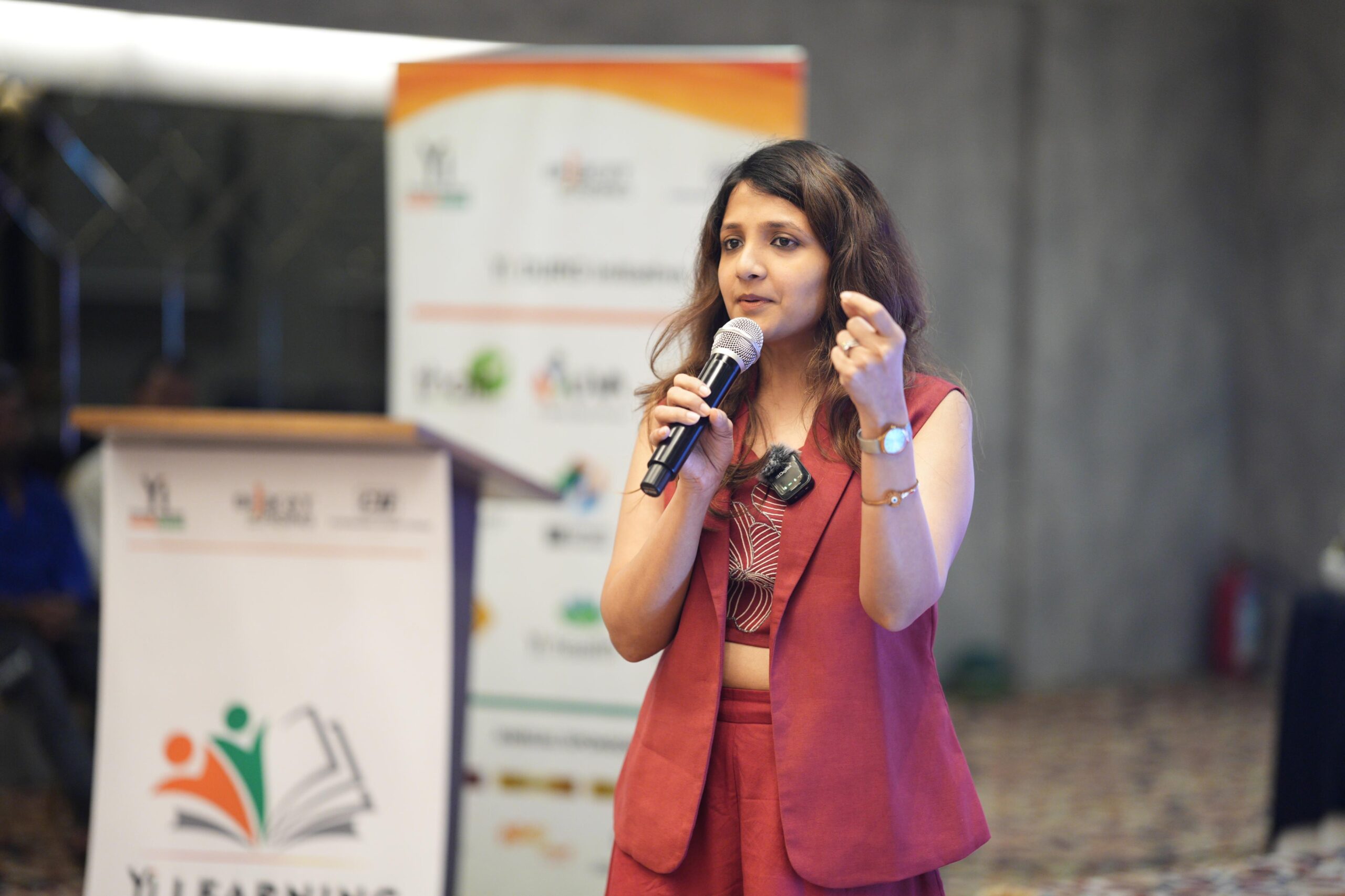
About Your Coach
Mahima Bhalotia
Ready to transform your design skills?
Secure your spot in our exclusive Become a Canva Pro powered with Ai course today!
Limited seats available.
Questions? Contact us at